Our eyes are about 65mm apart, so they send slightly different images to our brains, which interpret the images and we see in 3 dimensions every day. In order to reproduce the 3d effect with photography, we need to obtain 2 images taken with a similar separation to that of our eyes; see My Cameras.
Viewing 3D Images
The images on this web site are side-by-side 3D images, which can be viewed by a number of means, mainly depending on the width of the image.
Free-viewing 3D images is the simplest way for images up to 120mm wide; try to defocus your eyes, like when viewing Magic Eye images. If you see 3 images, concentrate on the center image and it will jump into 3D.
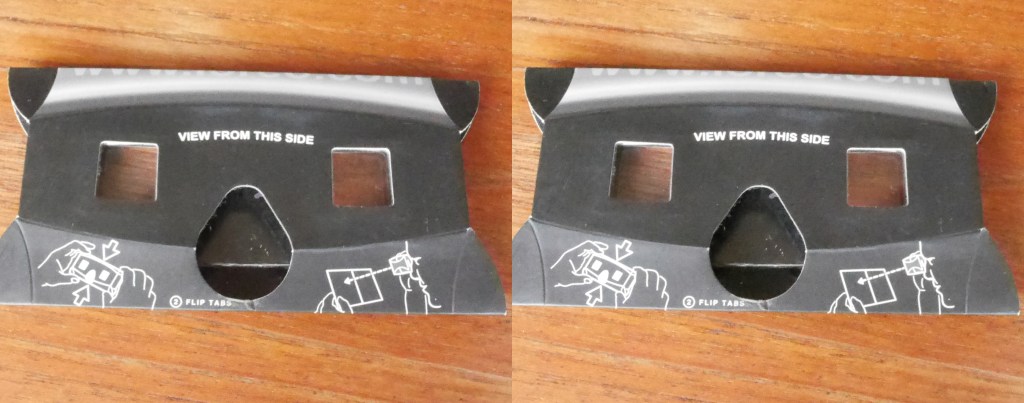
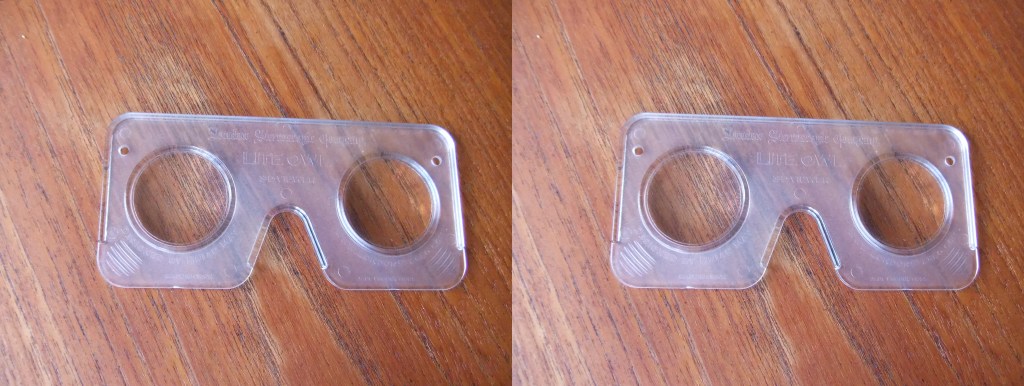
For images up to 175mm wide, I use the Loreo Lite viewer obtainable from https://www.widescreen-centre.co.uk/loreo-lite-fold-flat-3d-viewer-one.html, or the Lite Owl viewer designed by Brian May; https://shop.londonstereo.com/LITE.html.
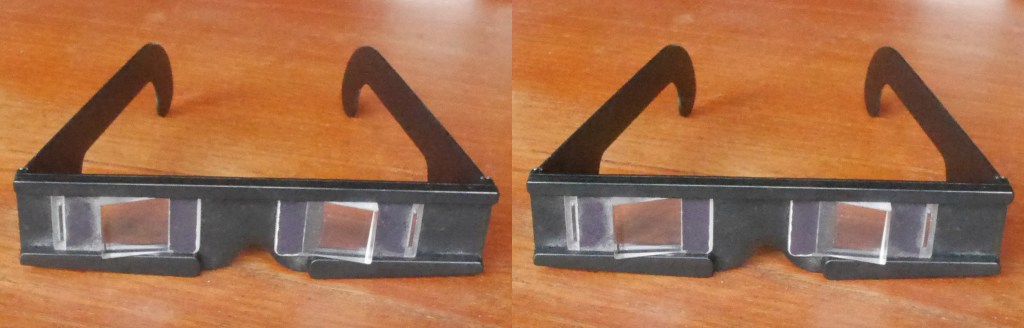
For larger images I use prismatic spectacles, obtained from http://nvp3d.com/en/prism-glasses.
Some images are red/cyan anaglyphs, which may be familiar to most people from cinemas in the 1960s. Unfortunately, no anaglyph system yet made can reproduce colour properly; for example, pink orchids come out a pretty blue colour when viewed by red/cyan glasses. However, since anaglyph glasses are fairly common, I have included some images to be viewed by this technique.
 Nature and Travel Photography in 3D